
Photos
Last modified on 2016-05-09 19:22:18 GMT. 0 comments. Top.
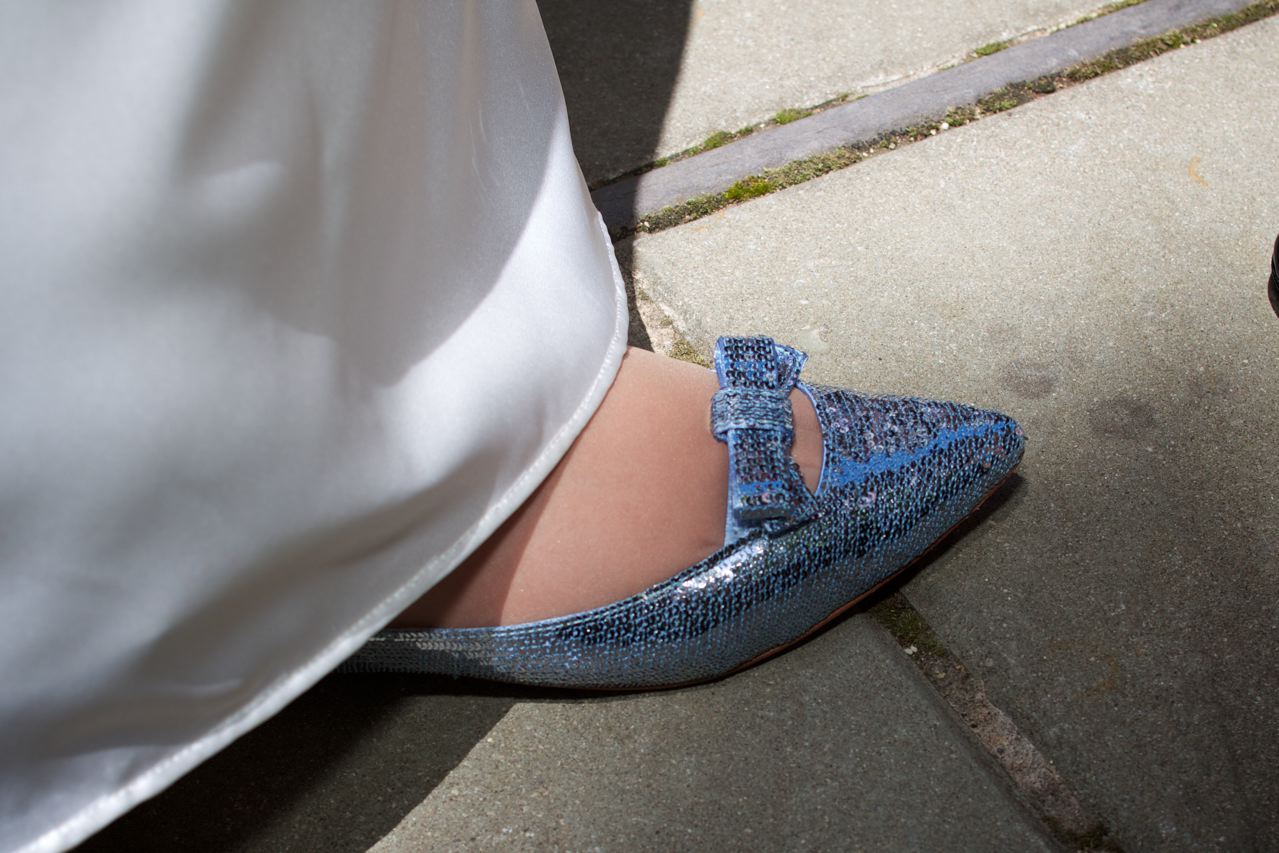
It’s gotta be the shoes
We’ve set up a private MobileMe gallery to let you see pictures from the wedding… and upload your own!
K + H 5/15/2010
(click the link above to visit the photo gallery)
Access to this is PASSWORD PROTECTED; you will be able NEITHER to see NOR to upload anything unless you have the username / password that we’ll give you at the wedding (it’ll be in your gift box, so don’t throw it away).
For simplicity’s sake, everyone will share the SAME username and password: we kindly ask that you don’t give it out willy-nilly–we don’t want any jokers uploading inappropriate pictures. Thanks!
EASY INSTRUCTIONS
- Click the link above (or click here, same thing)
- Enter the username/password we gave you on the little piece of paper in your gift box. It looked like this…

Wedding Pictures note
E-mail us if you lost / forgot / ate this sheet of paper. We’re not putting the vital info on the site for obvious reasons.
- Once you get to the photos, the top of the page should look like this:

Top of K+H Photos page
- If you just want to look at pictures, that’s all you have to do!
- If you want to upload pictures that you took, click the “upload” icon you see at the top of the page. You’ll see a box pop up when you do this:

Upload pictures
- In this box, just follow the instructions as written: put your real name (“Hugh McNally”) and your e-mail address (someone@address.com). At this point, you don’t need (or want) to use the username / password we gave you (you’ve already logged into the photos at this point). This info is so we and everyone else can see who took the pictures.
- Click “Choose Files…” and select the files from your computer, i.e, the JPG files from your digital camera. If you need help with this, ask a 12-year-old (or someone else who’s good with a computer).
We can’t wait to see your pictures: the stuff that Roberta and Dave have already uploaded looks great!


